
Comparison
Apolo vs TinyPNG.
TinyPNG is the best-known compression website. Apolo does the work on your computer, with no limits and nothing uploaded.
Published on
In short
TinyPNG (by Tinify) compresses and converts images on its website: you upload them, it processes them on its servers and deletes them after 48 hours. Free for up to 20 images of 5 MB at a time, and format conversion for a few; beyond that, paid plans.
Apolo does the work on your computer: nothing uploaded, no limit on images or size, and seeing what you lose in each one.
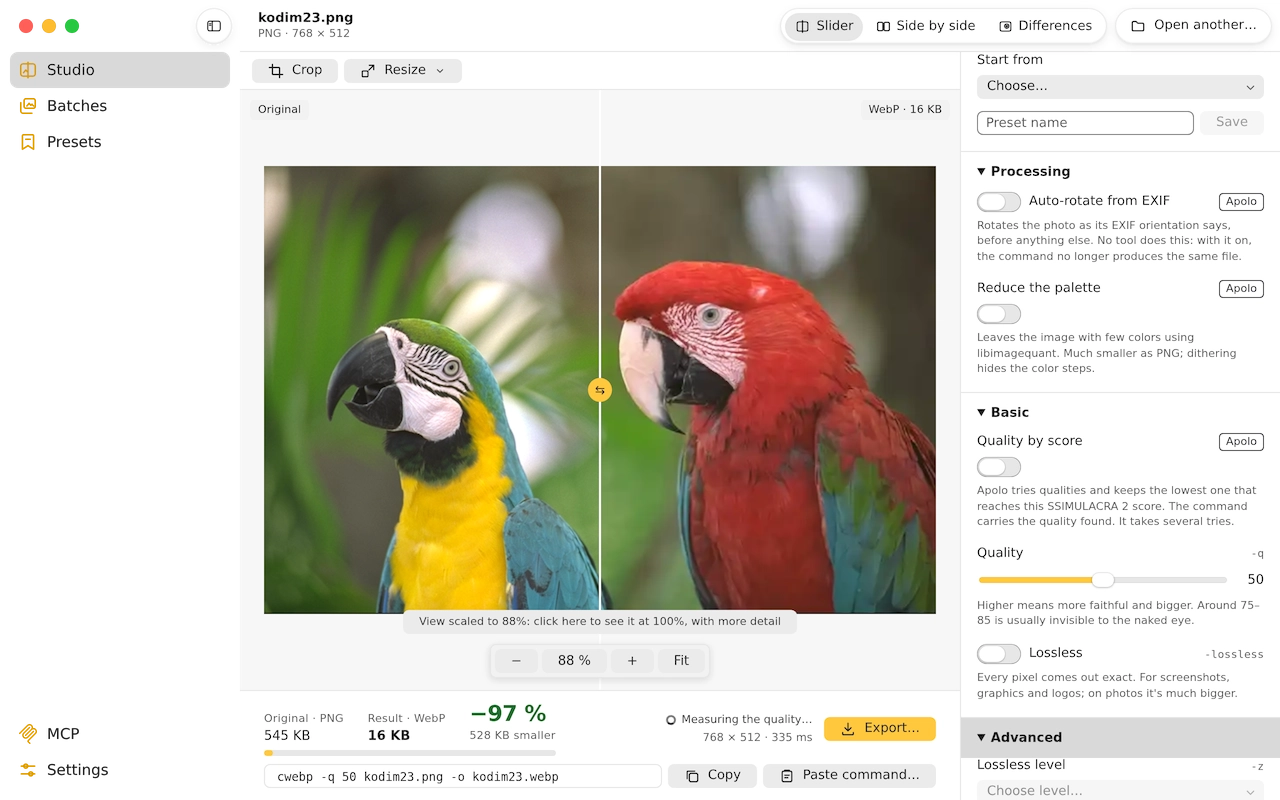
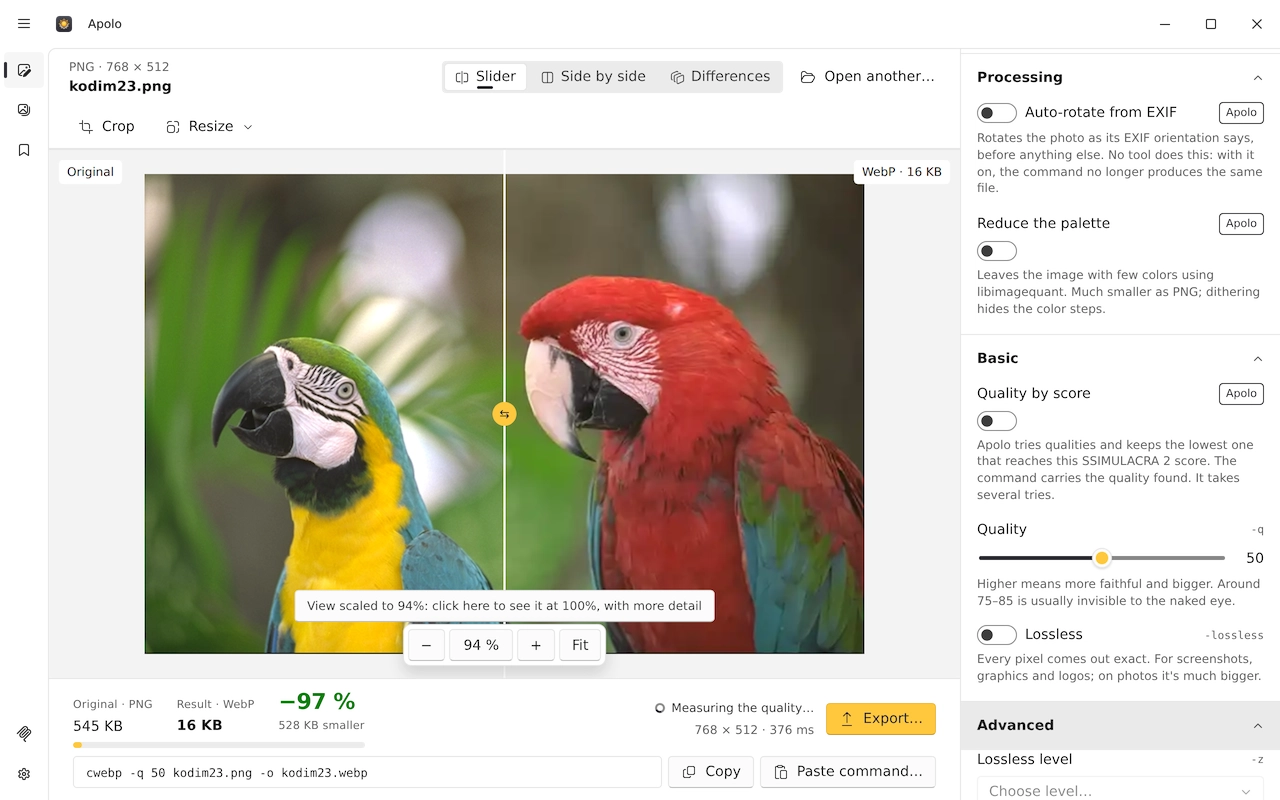
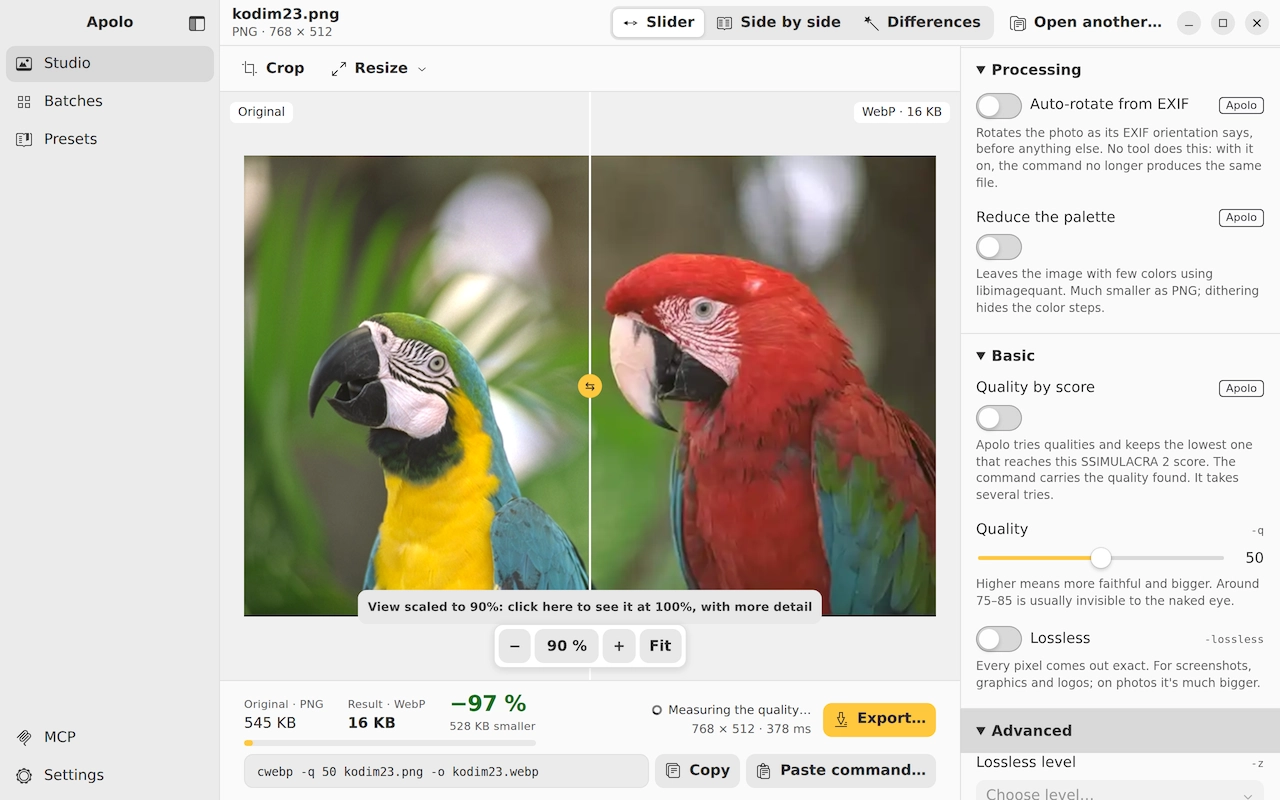
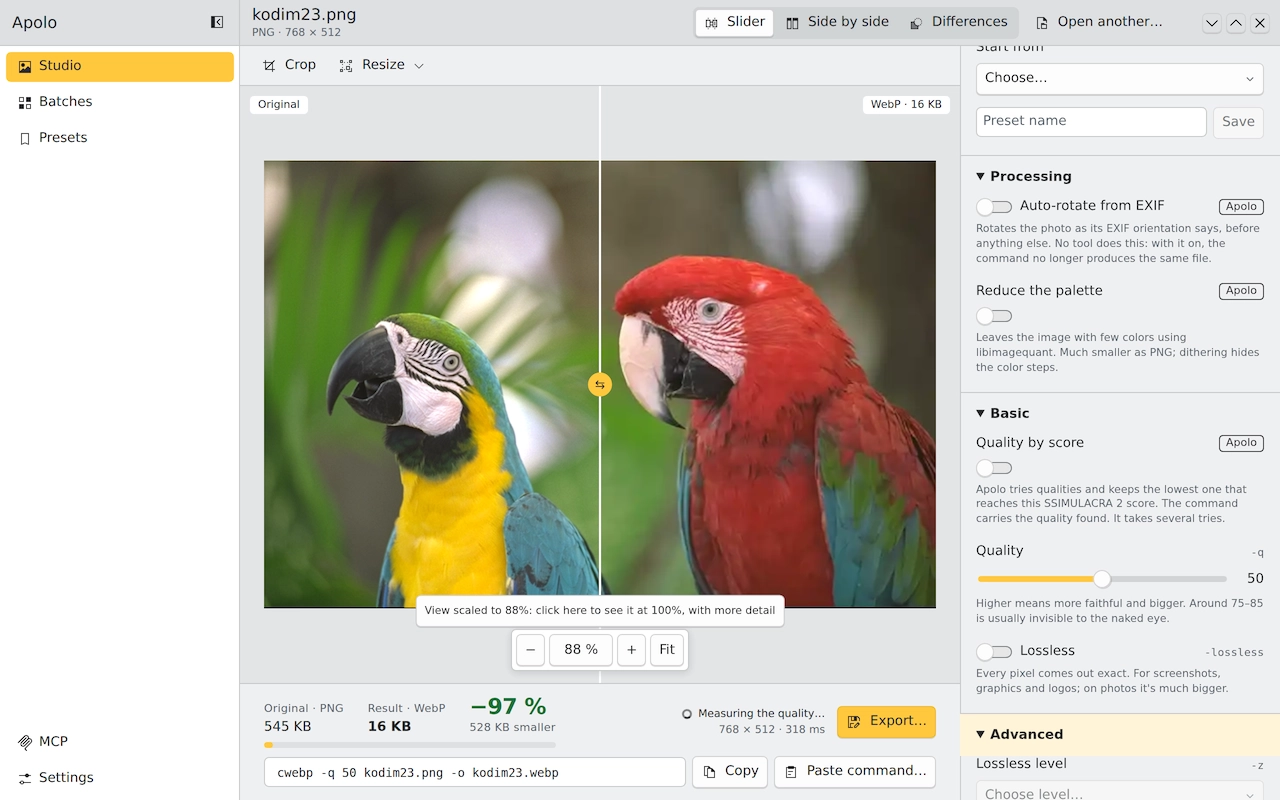
Side by side
| What | Apolo | TinyPNG |
|---|---|---|
| Price | Free | Free with limits; Web Pro and Web Ultra are paid |
| License | GPL-3.0 (open source) | Proprietary |
| Where it runs | macOS, Windows and Linux, on x64 and ARM | In the browser, with an API, a CDN and a WordPress plugin |
| Your images | Never leave your computer | Uploaded to their servers, which delete them after 48 hours |
| Formats it writes | WebP, AVIF, JPEG XL, JPEG (MozJPEG), PNG (OxiPNG) and QOI | AVIF, WebP, PNG and JPEG |
| Whole folders | Yes, in parallel and with subfolders | Free, up to 20 images of 5 MB at a time |
| Command line | Yes, with the options of cwebp, cjpeg, oxipng, avifenc and cjxl | No; a paid API, with 500 free compressions a month |
| AI agents (MCP) | Yes, eleven tools | No |
| Measures the loss | Yes: SSIMULACRA 2, PSNR and SSIM, and quality by score | No |
What each one does better
What TinyPNG does better
- Nothing to install, and it works from a phone.
- It has a WordPress plugin, an image CDN and integrations with Figma, Make and Zapier.
What Apolo does better
- Your images never leave your computer: it matters with client photos, documents or anything private.
- Free with no limits, including whole folders.
- It writes JPEG XL and QOI, and opens HEIC.
- It shows the result against the original and measures the loss with SSIMULACRA 2.
Which to choose
TinyPNG
A few images from any device, or compressing inside WordPress.
Apolo
Private images, lots of them, or without paying by volume.
Keep reading
- Apolo vs SquooshThe same engines; Squoosh in the browser and one by one, Apolo on the desktop, by folders and measuring the loss.
- Apolo vs ImageOptimImageOptim makes images lighter without changing format, on Mac only; Apolo converts to WebP, AVIF and JPEG XL on all three systems.
- Apolo vs CaesiumTwo free desktop compressors: Caesium with JPG, PNG, WebP and TIFF; Apolo with AVIF, JPEG XL and loss measurement.