
Optimize images with an AI agent.
With Apolo's MCP server, your agent converts, compares and measures images on your computer. You just ask in plain words.
Published on
What it is
MCP is how AI agents use tools on your computer. Apolo ships an MCP server with eleven tools: analyze, optimize, compare formats, measure quality, look at an image, convert folders in batches and save presets. Images are processed on your computer with the same engines as the app.
Connect it
Claude Desktop
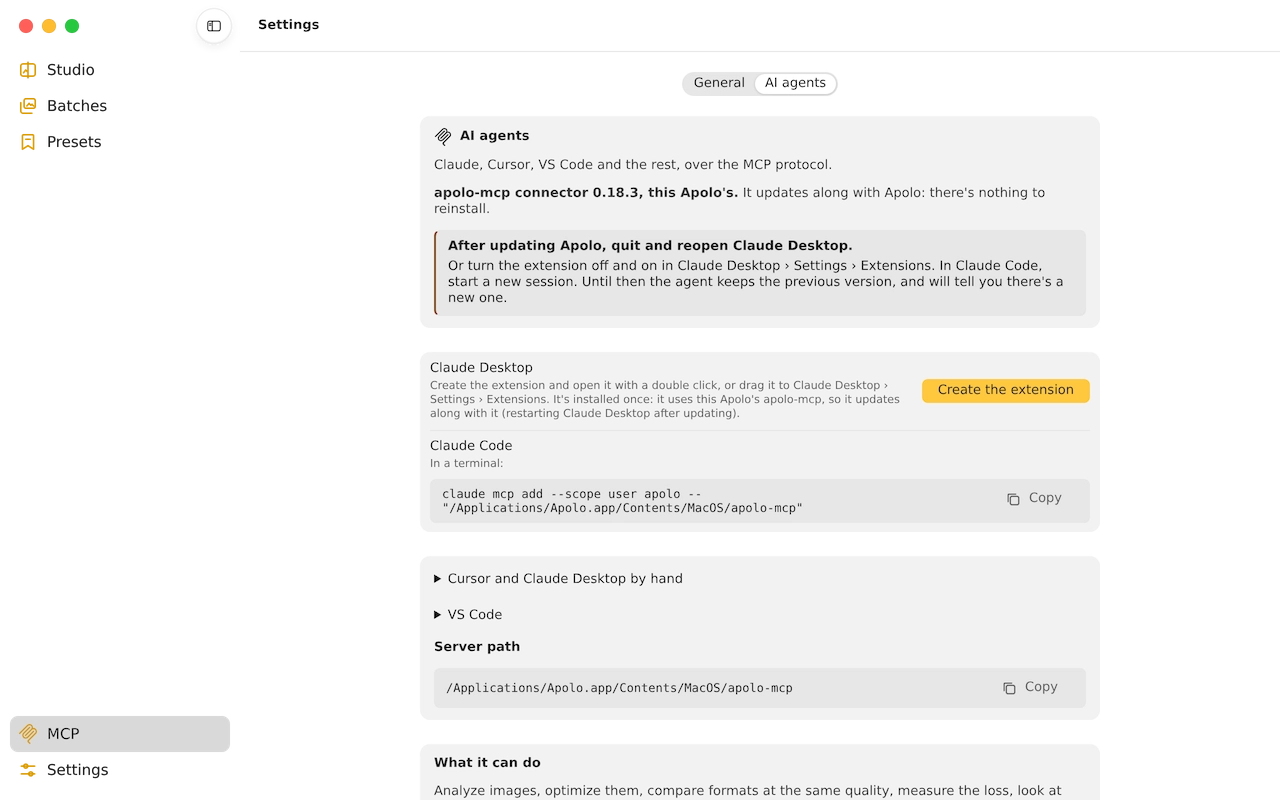
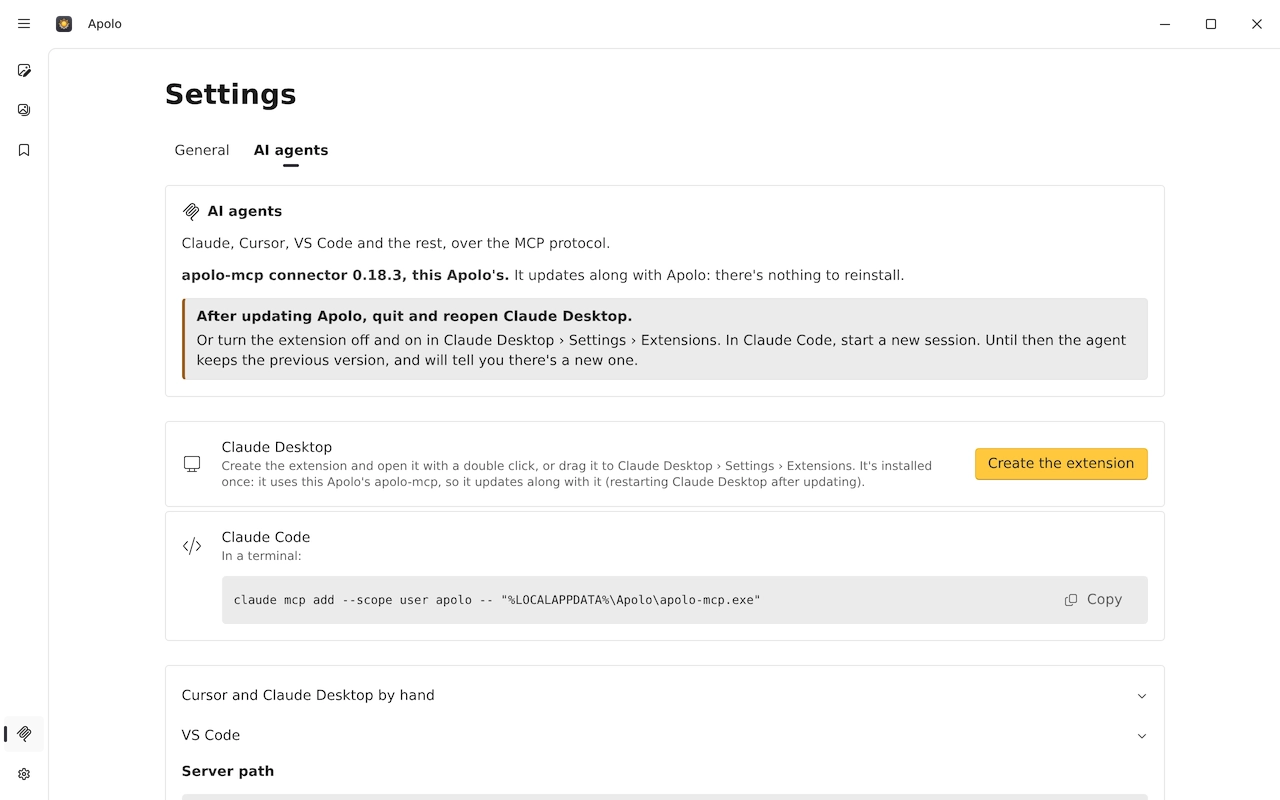
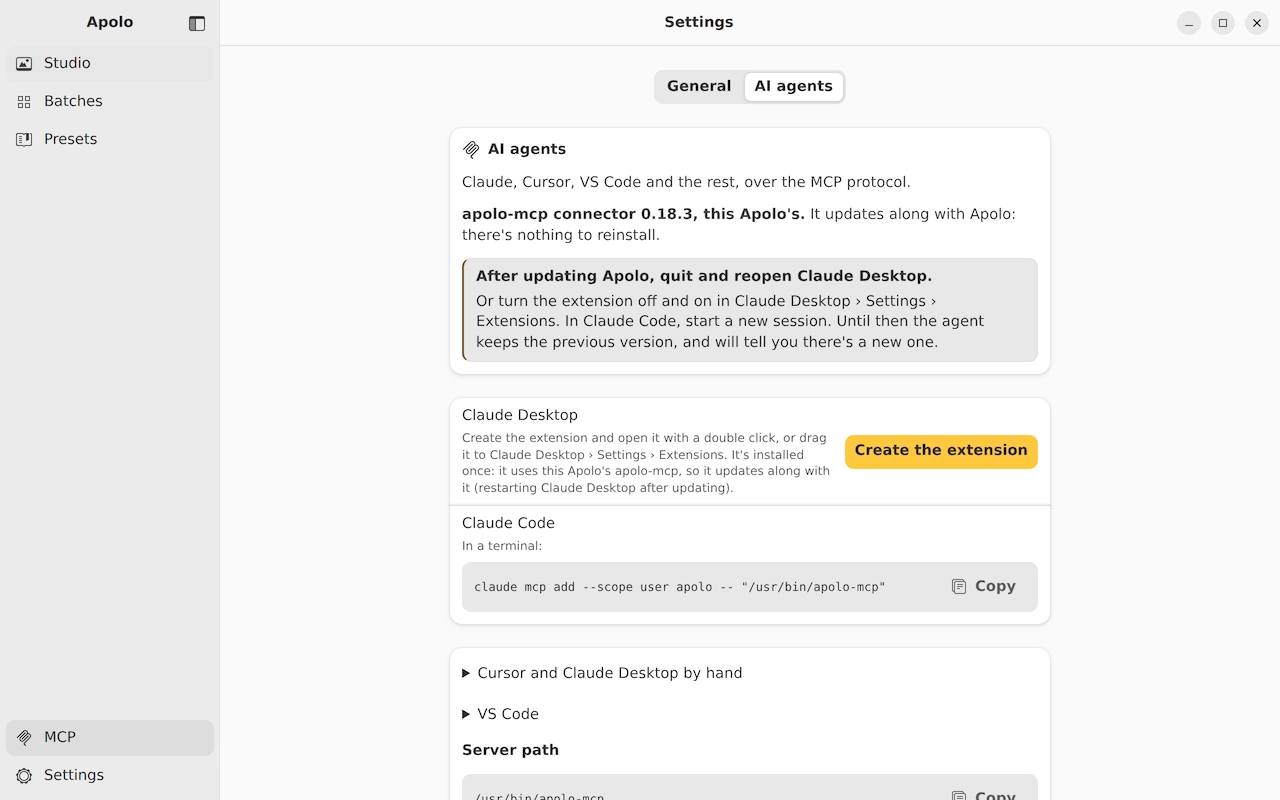
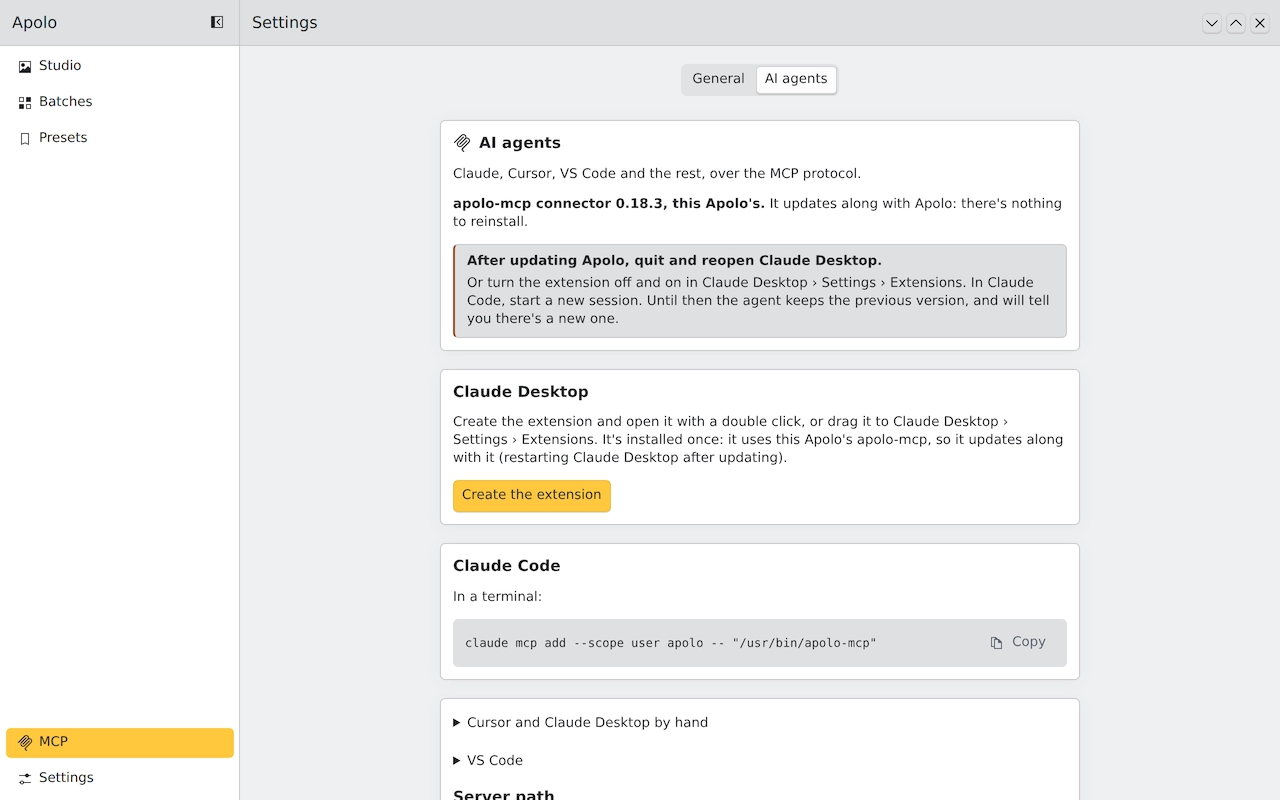
In Apolo, the MCP row in the sidebar creates the extension, which you install once and updates with the app.
Claude Code
One command, your system's, on the agents page.
Cursor, VS Code and the rest
Apolo's MCP row gives you what to copy.
What to ask
- Convert the photos in ~/Desktop/trip to AVIF at 1920 pixels and tell me how much I saved.
- Compare WebP, AVIF and JPEG XL for this photo at the same quality and keep the lightest.
- Measure how much was lost between photo.png and photo.webp.
- Keep the left half of this screenshot and make it a lossless WebP.
- Save a preset for blog photos: AVIF, score 80, 1600 pixels.
What it doesn't do
It never overwrites or deletes: it always writes new files alongside. And it doesn't see images you attach to the conversation: you tell it where the file is on your computer.
Your photos never leave your computer. What the agent asks for (paths, names, thumbnails) does go into its conversation, and the model provider sees it.
Keep reading
- Apolo, from your AI agentApolo's MCP server: Claude, Cursor, VS Code and any agent optimize, compare and convert images on your computer, without overwriting anything.
- AVIF, WebP or JPEG XLHow much each format weighs at the same quality, measured on 24 photos, and which to choose depending on where the image goes.
- Optimize images for the webSize, format, quality and the HTML to serve them: what really makes a website load fast.