
Compress without losing quality.
There are two ways: without losing a single pixel, or losing what the eye can't see. The second saves far more, and it can be measured.
Published on
Lossless: the same pixels
The resulting image is identical, pixel for pixel. It's what you want for screenshots, logos and graphics. In our tests with that kind of image, optimizing the PNG with OxiPNG saves 33%, and turning it into lossless WebP, 62%.
With photos, lossless savings are small. The exception: a JPEG you already have can be turned into JPEG XL without losing anything, and it weighs quite a bit less.
Optimized PNG, like oxipng
apolo png -o 4 screenshot.png
Lossless WebP
apolo webp -lossless -z 9 screenshot.png -o screenshot.webp
With a loss you can't see
Photos compress much further if you accept losing detail the eye doesn't notice. At a SSIMULACRA 2 score of 90, which you can't tell apart even up close, our 24 photos weigh 79% less in JPEG XL and 77% less in AVIF than the original PNG.
How to know it doesn't show
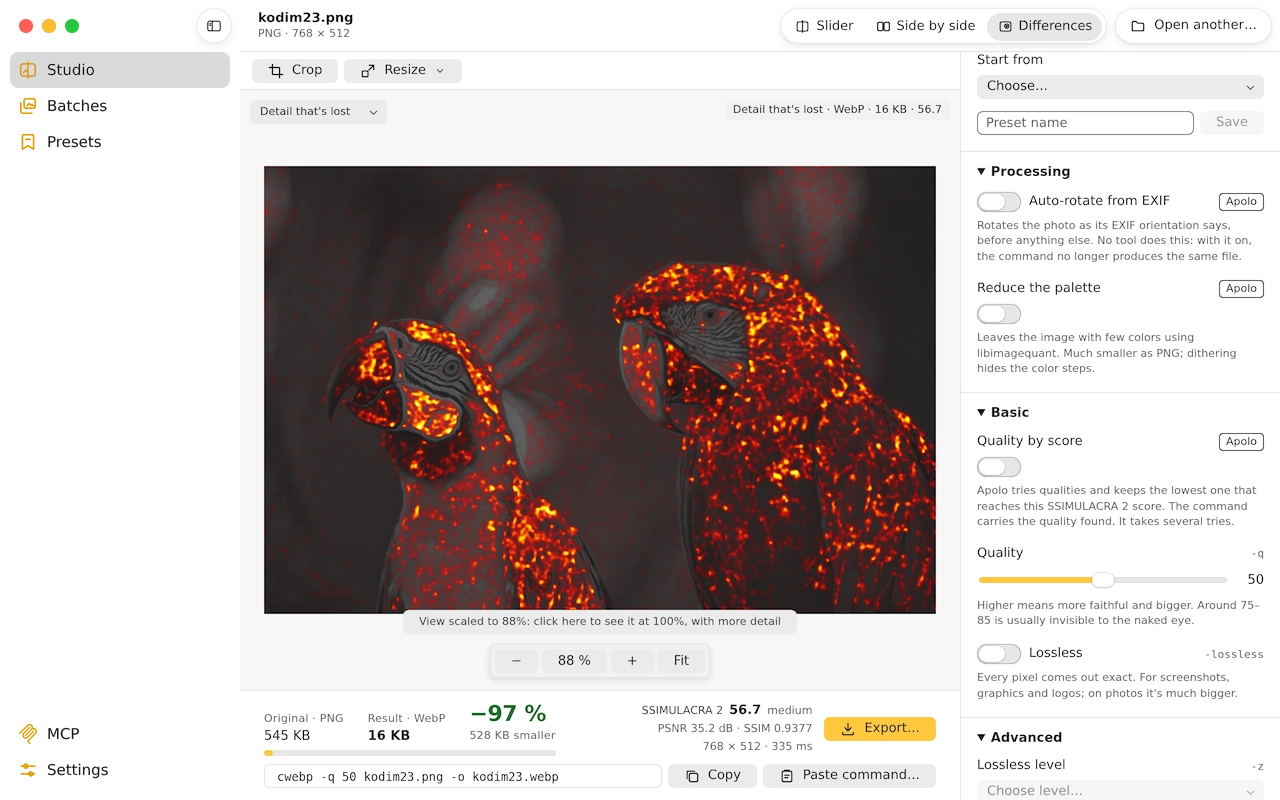
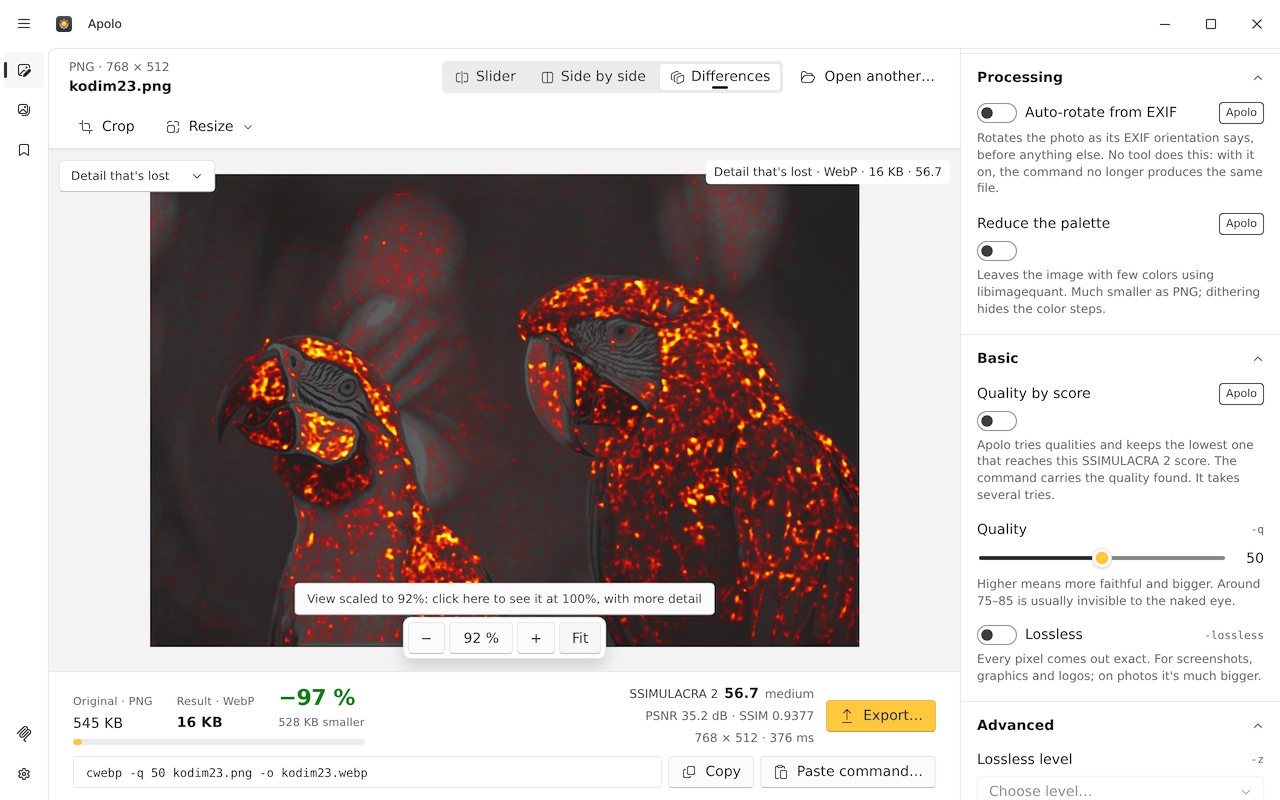
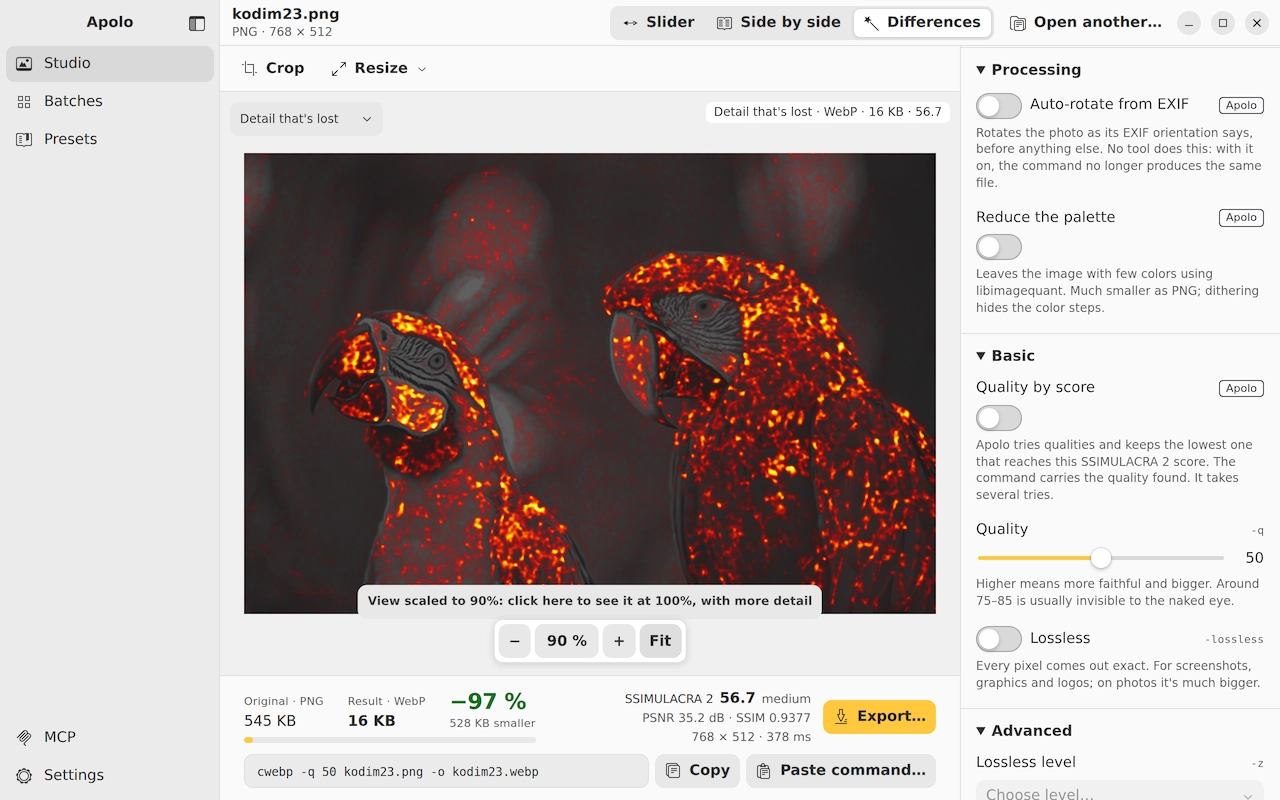
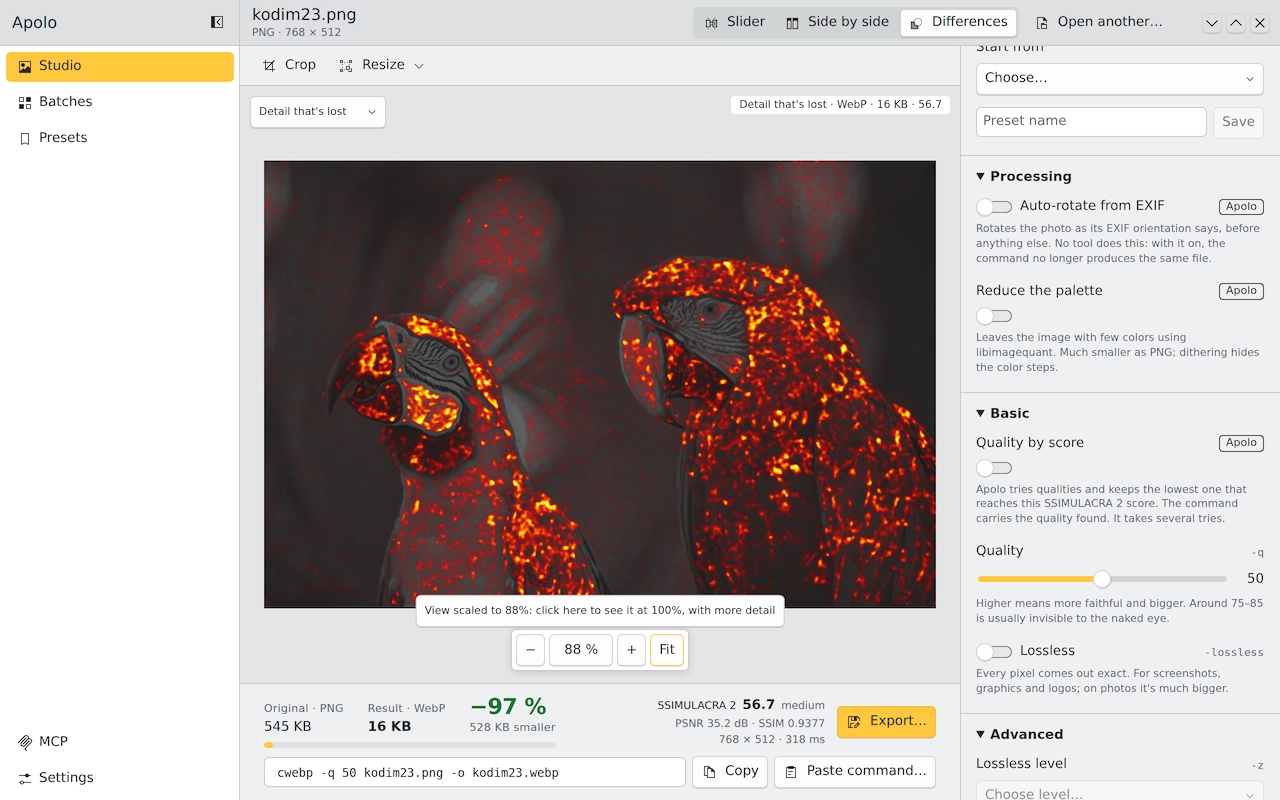
Apolo measures each result with SSIMULACRA 2, the perceived-quality metric from the JPEG XL project: at 90 or more you can't tell them apart; at 70, it's high quality; at 50, it shows. And it shows the original and the result with a slider, side by side or with a difference map.
Instead of trying qualities blindly, you can ask for the score: “Quality by score” finds, photo by photo, the lowest quality that reaches it.
A folder, without it showing even up close
apolo lote photos/ --formato avif --objetivo 90
Measure a result against its original
apolo medir photo.png photo.avif
And the size
What usually weighs most in a photo is that it's bigger than it will be seen. A 4000-pixel phone photo shown at 1200 carries eleven times more pixels than needed. Apolo shrinks it to the longest side you ask for before compressing.
apolo lote photos/ --formato avif --objetivo 90 --lado-mayor 2400
Keep reading
- AVIF, WebP or JPEG XLHow much each format weighs at the same quality, measured on 24 photos, and which to choose depending on where the image goes.
- Convert images to WebPOne photo or a whole folder, with the app or the terminal, and how much you really save.
- Optimize images for the webSize, format, quality and the HTML to serve them: what really makes a website load fast.