
Convert HEIC to JPG.
The iPhone saves photos as HEIC, which is light but doesn't open everywhere. Apolo opens them and turns them into JPG, WebP or AVIF.
Published on
Why HEIC is hard to open
HEIC has been the iPhone's format for years: it's light, but many websites, apps and Windows or Linux computers can't open it without adding something. Turning it into JPG fixes that; into WebP or AVIF, it also weighs less.
With the app
- Drag the HEIC onto Apolo, on Mac, Windows or Linux: it opens without installing anything else.
- Choose JPEG so it opens everywhere, or WebP or AVIF if it's going to a website.
- Export. For a whole folder of phone photos, use Batches.
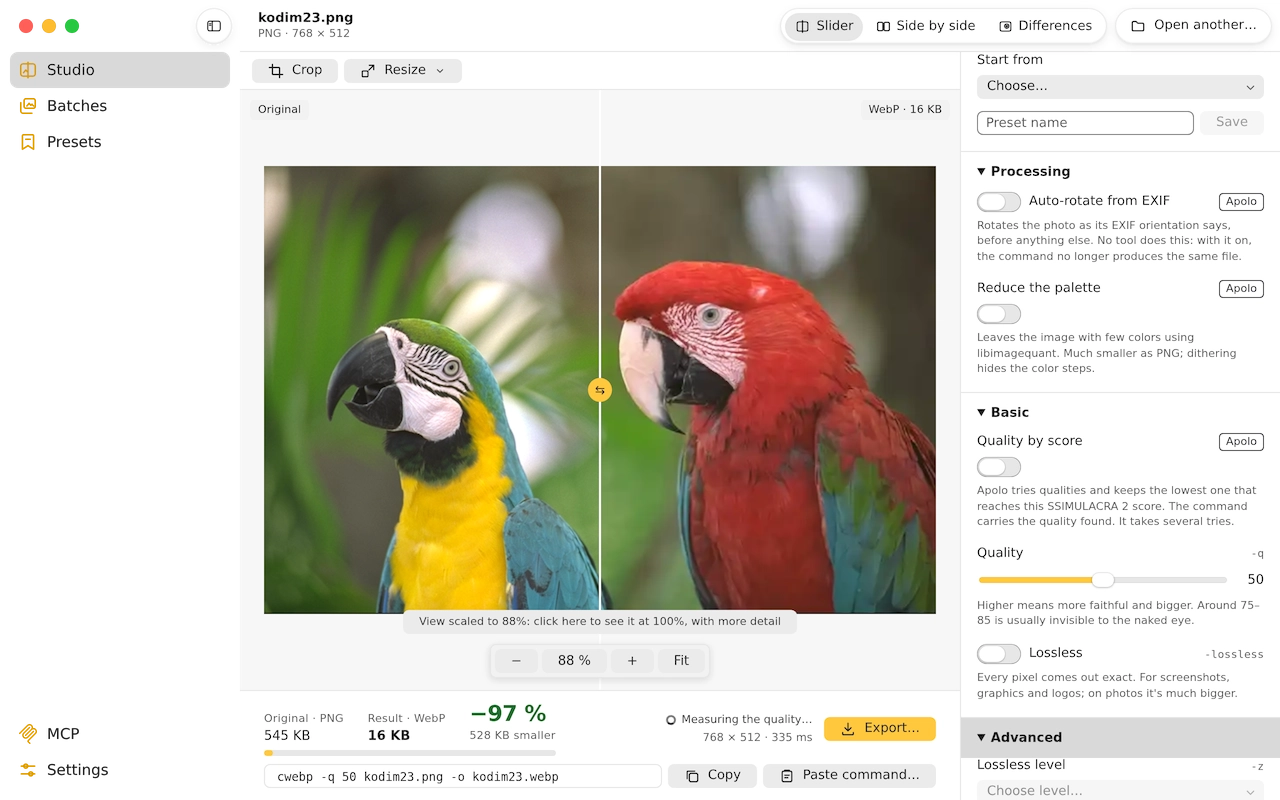
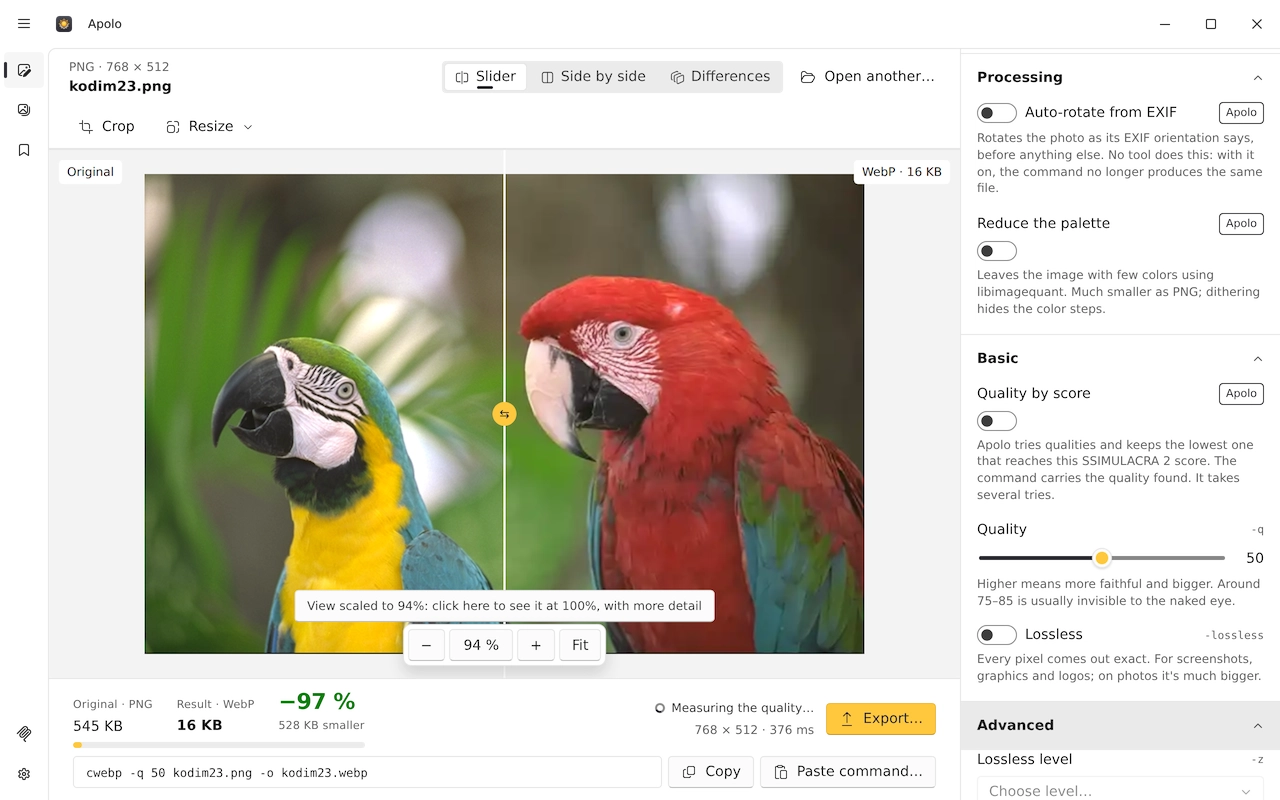
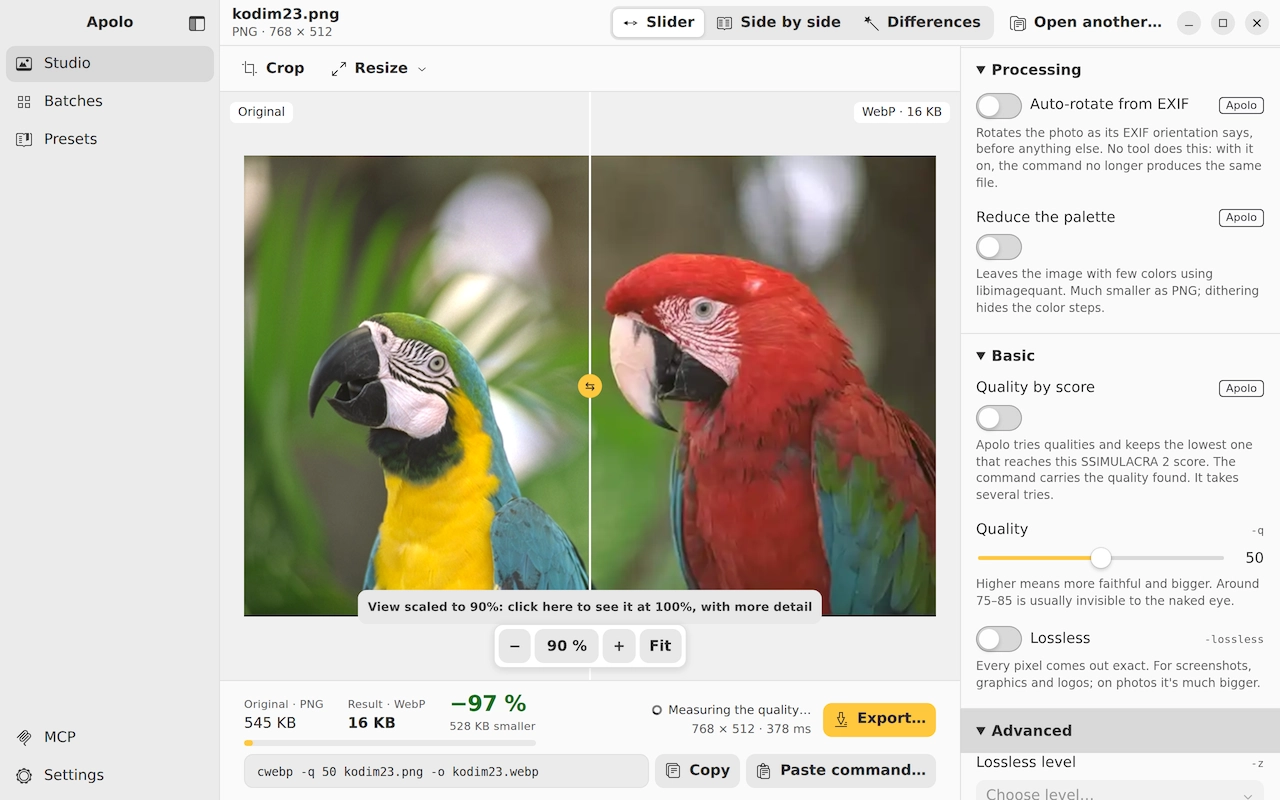
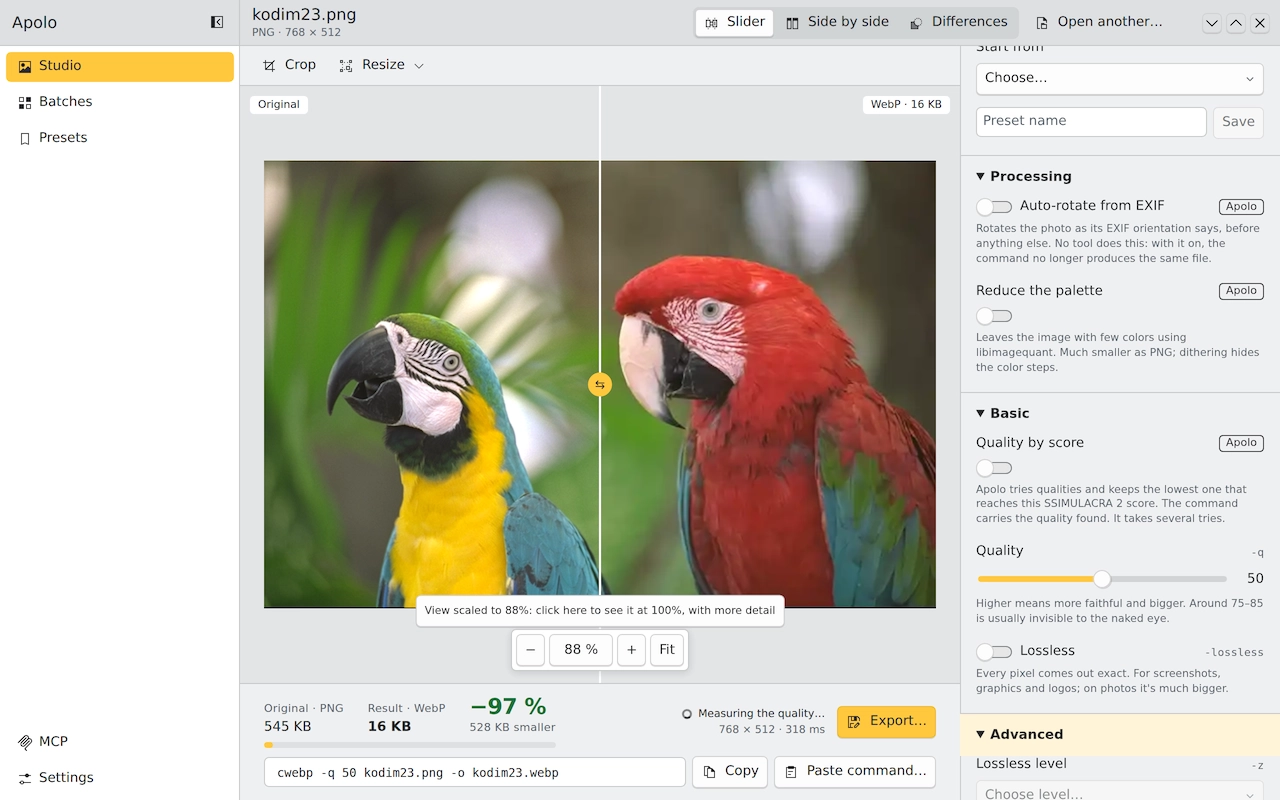
How much each option weighs
With libheif's sample photo (701 KB as HEIC), at a score of 80 you can't tell apart side by side: as JPEG, 350 KB (50% less); as WebP, 289 KB (59% less), and as AVIF, 252 KB (64% less). The score is measured against the opened HEIC, which is already a compressed photo.
From the terminal
A folder of iPhone photos to JPG, without it showing
apolo lote iphone-photos/ --formato jpeg --objetivo 90
To WebP, for a website
apolo lote iphone-photos/ --formato webp --objetivo 80 --lado-mayor 2048
Or stop the iPhone saving HEIC
On the iPhone, Settings › Camera › Formats › “Most Compatible” saves new photos as JPG. They weigh more, and the ones you already have stay HEIC.
Keep reading
- Convert images to WebPOne photo or a whole folder, with the app or the terminal, and how much you really save.
- AVIF, WebP or JPEG XLHow much each format weighs at the same quality, measured on 24 photos, and which to choose depending on where the image goes.
- Compress without losing qualityLossless or with a loss you can't see: what each path saves and how to know it doesn't show.