
Vectorize an image.
A logo you only have as a PNG, an icon or a drawing, turned into shapes that scale without losing sharpness. On your computer, without uploading anything.
Published on
What vectorizing is
A PNG or a JPG is a bitmap: a grid of pixels, and when you enlarge it you see the squares. A vector drawing stores shapes (lines, curves, circles) and stays sharp at any size, on a business card or a banner, and you can edit it in Illustrator, Inkscape or Figma.
Vectorizing goes from the first to the second. It works well with logos, icons, illustrations, black and white drawings and pixel art. A photo comes out as a poster of flat colors, which usually weighs more than the photo.
- 71.3
- SSIMULACRA 2 score with the Apolo sun, at 512 px
- 17 shapes
- with 521 nodes and 4 colors
- 8 KB
- as SVG, against 20 KB for the PNG
With the app
- Open Apolo and go to Vectorize, in the sidebar.
- Drag the image in or click “Open an image…”. Apolo detects whether it's a logo, an illustration, pixel art or a photo.
- Compare the original with the drawing with the slider, side by side or with the map of differences; “Outlines” shows the paths and their nodes.
- Adjust the detail, limit the colors or turn on “Aim for a score”, and Apolo searches for the lightest drawing that reaches it.
- Choose the format and click Export. Transparency stays transparent.
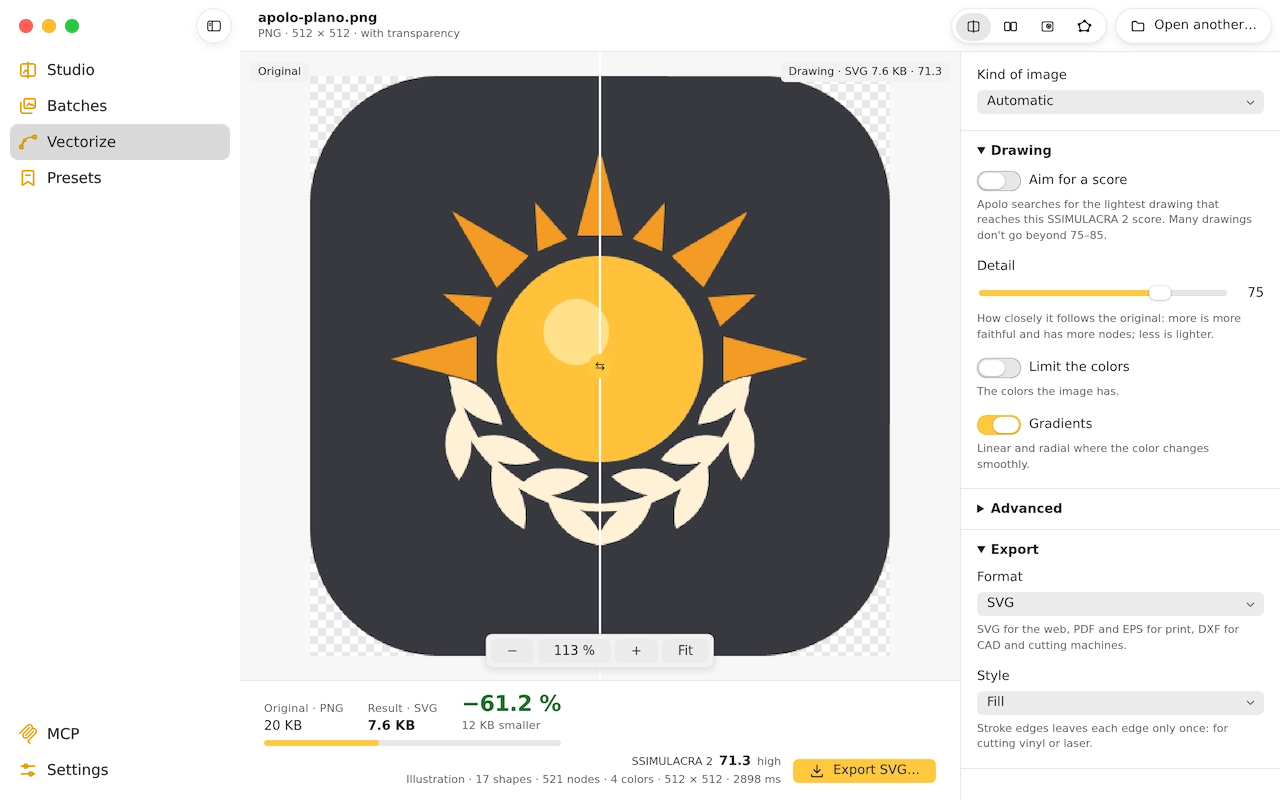
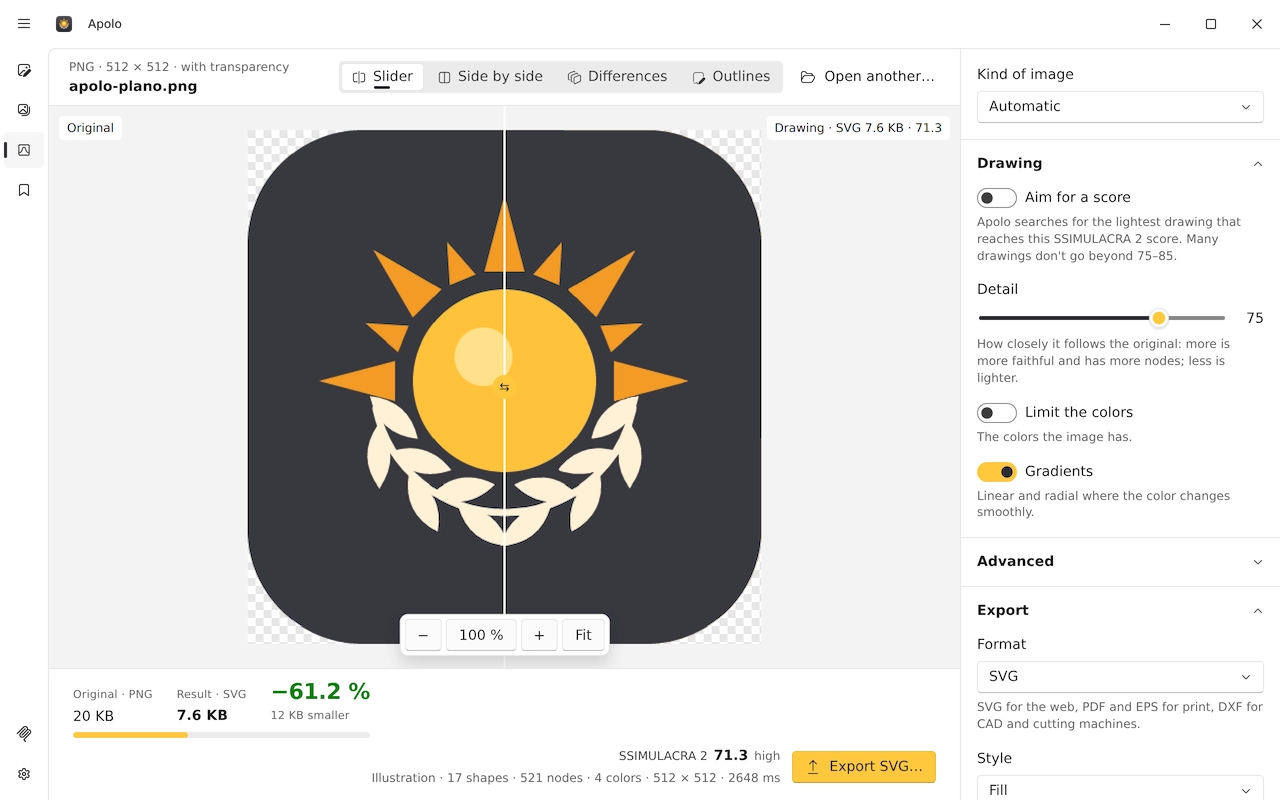
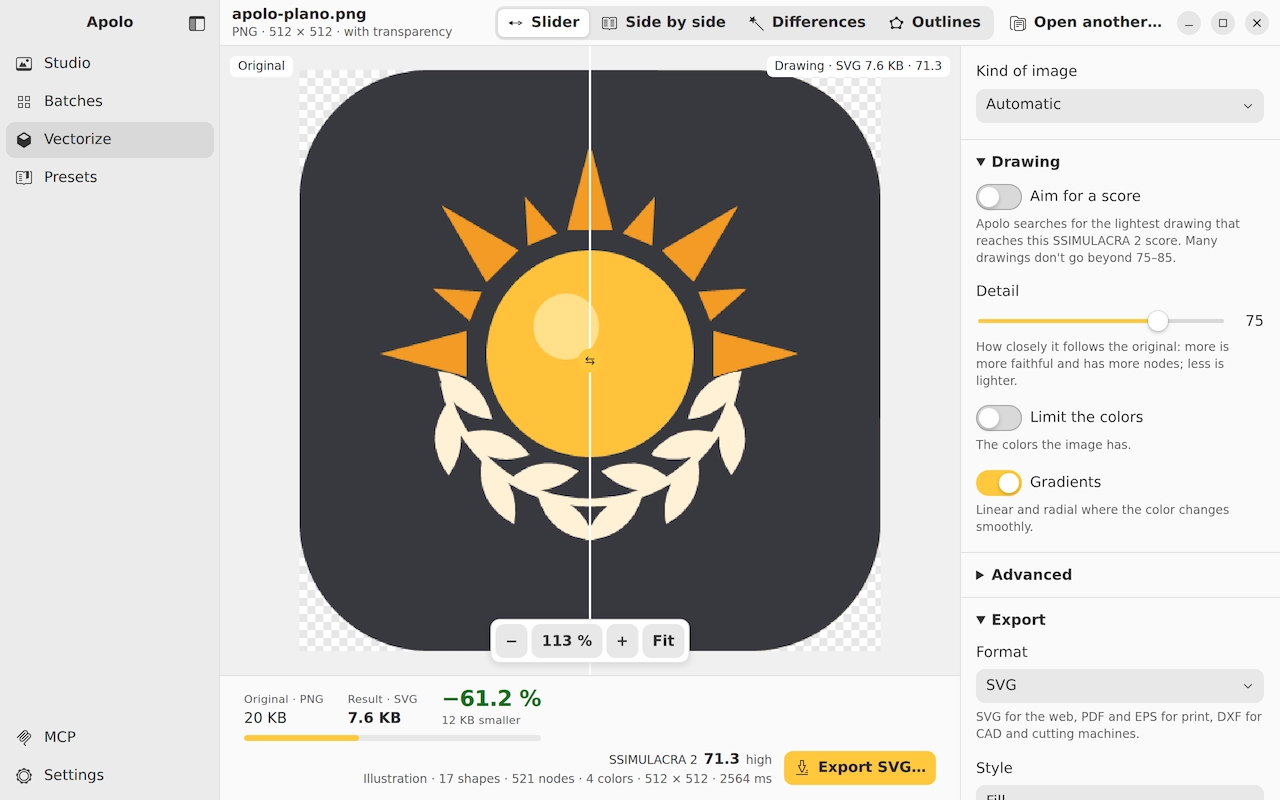
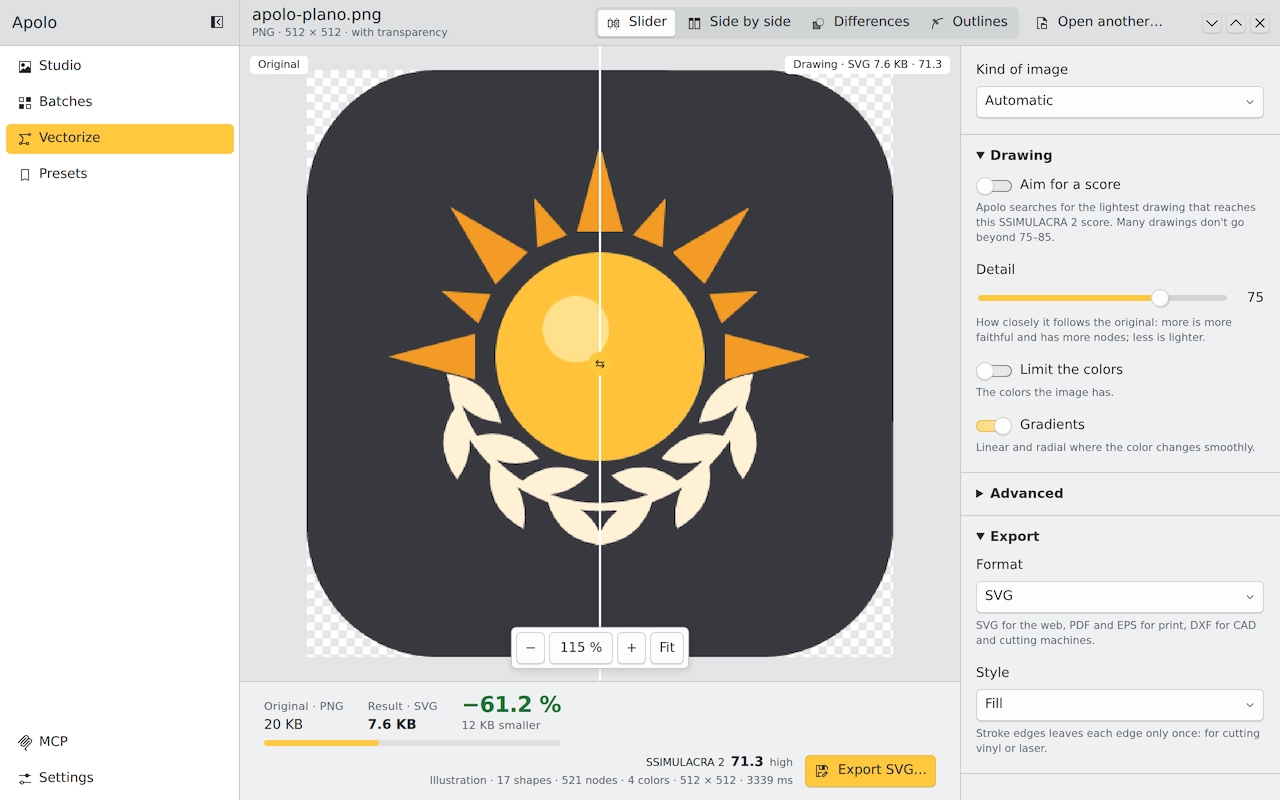
Four formats, the same drawing
| Format | What for | The Apolo sun |
|---|---|---|
| SVG | The web, Figma, Illustrator, Inkscape | 8 KB |
| Print and documents | 4 KB | |
| EPS | Print and older design programs | 10 KB |
| DXF | CAD and cutting machines | 37 KB |
For cutting vinyl or laser
In Export, the “Stroke edges” style leaves each edge only once, with no fills: what a cutting plotter or a laser machine needs. “Stroke shapes” gives the outline of each shape separately, to cut each color in its own vinyl.
Some cutting programs don't read curves: the DXF can be asked for with lines only, with lines and arcs, or with free curves.
From the terminal
A logo to SVG, next to the original
apolo vectorizar logo.png
To PDF, with four flat colors
apolo vectorizar logo.png -o logo.pdf --colores 4
A folder of icons to DXF, for cutting
apolo vectorizar icons/ --formato dxf --estilo trazar-bordes --dxf arcos
The lightest drawing that gives a score of 80
apolo vectorizar drawing.png --objetivo 80
With an AI agent
With Apolo's MCP server, Claude, Cursor or VS Code vectorize for you: just ask with the path of the file.
- Vectorize ~/Desktop/logo.png to SVG
- Turn the icons in ~/Project/icons into DXF to cut them in vinyl
Keep reading
- Optimize images for the webSize, format, quality and the HTML to serve them: what really makes a website load fast.
- Optimize images with an AI agentWhat Apolo's MCP server is, how to connect it to Claude, Cursor or VS Code and what to ask it.
- Compress without losing qualityLossless or with a loss you can't see: what each path saves and how to know it doesn't show.